Digital Kreative
Free: The Friday Update Brief
Free: The Friday Update Brief
Couldn't load pickup availability
A week of rough notes goes in, and the Friday update your client reads comes out, under the word cap you set. It’s free.
In the download, Sam Rivera’s notes from a week on the made-up Acme Widgets engagement become an update for Priya Shah, Acme’s Head of Product. It opens: “Where things stand: report on track for Tuesday 6/16, 48 hours ahead of Thursday’s session, as agreed.” It stays under her 200-word cap and leads with the number, because her facts say she reads on her phone and forwards everything to the CEO. Two things from the notes stay out on purpose: an aside about the pricing page, which belongs in a scope conversation, and a ping from the engineering lead that the engagement keeps verbal.
We make our products with AI the deliberate way, inside a written system. Each one has a standard to meet and checks to pass, and a person signs off before it goes on sale. This brief is one piece of the fuller version of that system, the Claude Workspace Kit, given away on its own.
What’s in the download
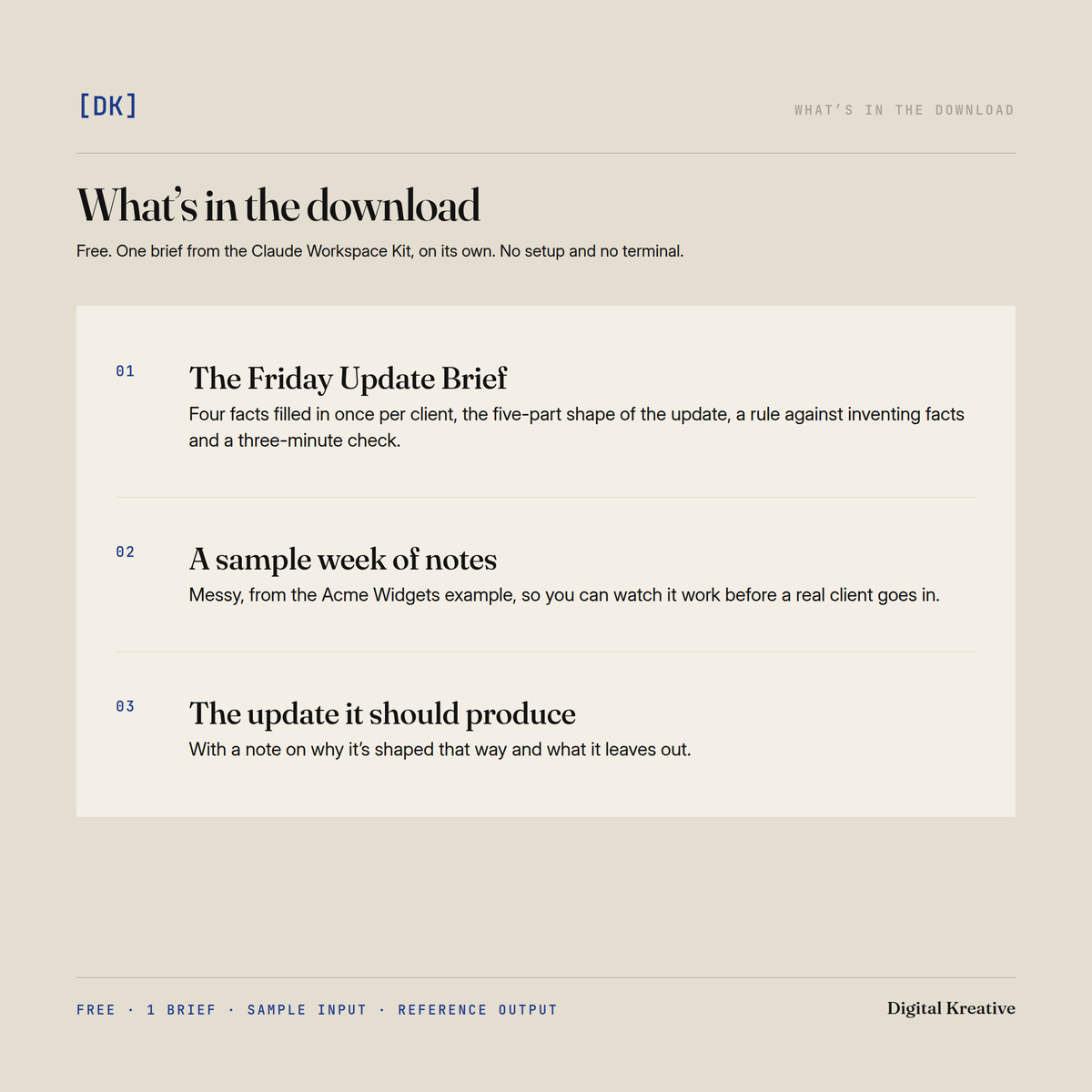
- The Friday Update Brief. You fill in four facts once per client (their name, how they read updates, your word cap and your sign-off), and it carries the five-part shape of the update, a rule against inventing facts, and a three-minute check before you send.
- A sample week of messy notes from the Acme Widgets example, so you can watch it work before a real client goes in.
- The update it should produce from those notes, with a note on why it’s shaped that way and what it leaves out.
It works with any current Claude model, pasted into a chat along with your notes, or from a folder if you work in files. There’s no setup and no terminal.
Questions
Will the update sound like me, or like everyone else’s? It’s written to your facts for this client: how they read, how long it can run and how you sign off. It uses only what your notes support, and where a fact is missing it marks the gap for you to fill instead of guessing. Nothing goes to the client until you’ve read it.
What does it cost? Your email address, which we use to send you the download link.
Who is it for? Independent consultants, fractional executives and small agencies of one to five people. You owe at least one client a written update every week or two, and it takes longer than it should, because the format gets decided again each time you sit down to write it.
Who is it not for? Anyone without active client work, because the update is built from a real week’s notes. And if you want the whole setup, with a folder per client, written standards and six briefs, that’s the Claude Workspace Kit. This is one brief from it.
What’s next
The catch with the free brief is the fill-in block. You enter your facts again every Friday, for every client. The Claude Project Kit, also free, fixes that in chat: you write down your practice and each client once, in a Claude Project, and every chat starts out knowing them.
The Claude Workspace Kit ($97) goes further. It keeps those facts in each client’s folder and writes the finished file there for you to read. It also ships five more briefs (transcript → proposal, project materials → case study, notes → pipeline memo, close → offboarding and referral, scope change → memo and repricing), four standards, three presets including one for fractional work, and a filled-in worked example. The Project Kit sets Claude up to know your practice in chat; the Workspace Kit sets Claude up to do the work in your files.
Format & delivery
An instant download, as one small zip of plain Markdown with the brief, the sample notes, the reference output, a start-here note and a what’s-next note. It opens on a Mac, Windows, Linux, an iPad or a phone. Updates are free, and if we ship a new version you get a fresh link by email.
Share