Digital Kreative
Cordovan Design Kit for Dawn Shopify Themes
Cordovan Design Kit for Dawn Shopify Themes
Couldn't load pickup availability
Cordovan puts a Dawn store on a partner’s desk. Every word is blue-black ink on bright paper, and leather only appears on the few sections that ought to feel weighty. Headings and prices are set in Besley. There are two styles: Oxblood, which is oxblood leather throughout, and Prussian, a Prussian blue desk with an oxblood seal.
Both styles are switched on here, so you can judge them on real pages. Press Try Oxblood on this store or Try Prussian on this store above, browse for a while, and switch styles (or come back to our usual look) from the bar above the header. The change happens only in your browser. The gallery has both styles on a stock Dawn store as well, made up as a desk-goods shop for the screenshots.
This store is built with AI too, the careful way. Each product has a written standard to meet and checks that run before it ships, and a person signs off before it goes on sale. Cordovan comes from two of the three redesigns we worked up for our own theme, which is why it has two styles. Your agent gets both palettes and the rules for the leather in one DESIGN.md, so the next section it builds has something to match.
What changes in Dawn
Each style restyles all six of Dawn’s colour schemes, so the sections you already have pick up the look without being rebuilt. It reaches Dawn’s own parts too: buttons, product cards, badges, the drop-down menus, accordions and thumbnails, and the little pop-up that confirms an item went into the cart. Prices and the option buttons on a product page take on the look through the colour schemes. Reading text is Instrument Sans, italic included.
The leather is the boldest thing on the page, so the kit rations it. It has a fine grain, and the DESIGN.md allows it on two or three sections a page, never two in a row. On paper, the main button in each section is oxblood, whichever style you choose. Buttons give a little when pressed, and every text colour on all six schemes passes WCAG 2.2 AA contrast (4.5:1 or better) in both styles.
What’s in the zip
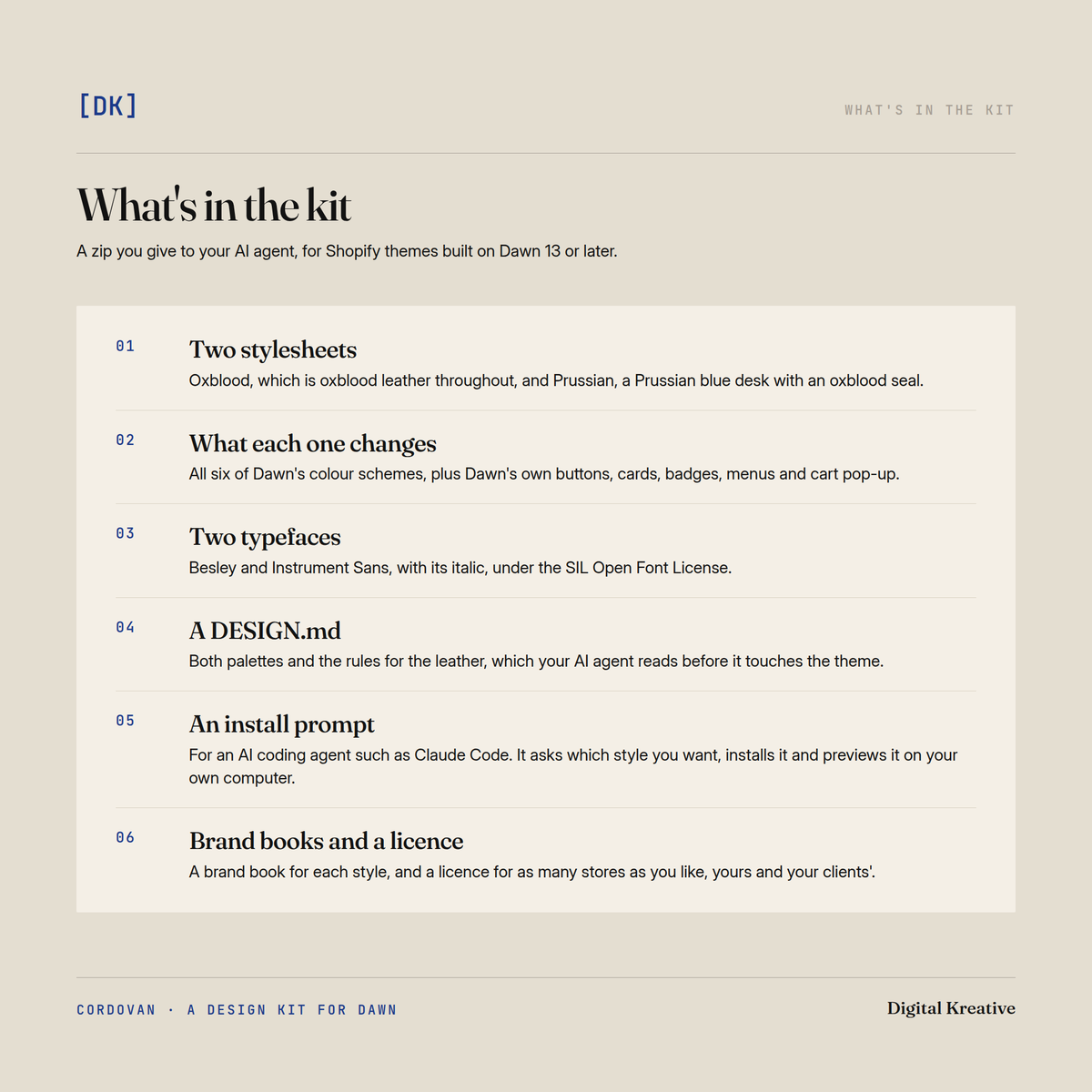
- Two stylesheets, one for Oxblood and one for Prussian.
- Besley and Instrument Sans (with its italic), under the SIL Open Font License.
- A DESIGN.md your AI agent reads before it touches the theme, covering both palettes, the type, where the leather is allowed and how to build a new section that fits.
- An install prompt for an AI coding agent such as Claude Code. It asks which style you want and checks your theme can take it, then installs the style and previews it on your own computer. Your live store stays as it is.
- A brand book for each style, a web page showing every component on all six colour schemes.
- A licence for as many stores as you like, yours and your clients’.
Questions
Can I use both styles? Yes. The licence covers the kit, so Oxblood can go on one store and Prussian on another. A store wears one style at a time, and the install prompt walks you through switching.
Which style should I pick? Try both here first; it’s the quickest way to tell. Oxblood is the warmer and more traditional of the two. Prussian reads cooler, with its blue desk, and keeps oxblood for the seal and the main buttons.
Why buy this if my AI agent can restyle the theme? For one quick change, you might not need it. The trouble starts with the next request, because the agent has no record of what it chose last time, so it chooses again and the store slowly stops matching itself. Cordovan gives your agent a finished look and the rules that go with it, every colour already checked. And it’s our own design, where most free DESIGN.md files imitate a well-known brand.
What do I need to install it? The theme’s files on your computer, plus an AI coding agent like Claude Code or the patience to copy a few files by hand. Cordovan isn’t for a store whose owner never wants to touch the theme’s code — it lives in the theme’s files, with nothing to switch on in the theme editor.
Will it work on my theme? On Dawn 13 or later, yes. The install prompt checks before it changes anything. It doesn’t support Horizon yet, and we haven’t tried it on themes built from Dawn’s code, like Refresh.
Can I install it by hand? Yes, in about ten minutes. Copy the kit’s files into your theme and add a few lines to its layout; the instructions give you the exact lines.
Does it change my products or settings? No. It changes how the store looks and leaves your products, pages, navigation and Theme settings alone. It doesn’t add sections to the theme editor or offer a dark mode, and checkout keeps Shopify’s own look.
Can I use it for clients? Yes, on any number of client stores, and it stays in a client’s store after your work for them ends. You don’t need to credit us. The licence only rules out reselling the kit or giving it away.
What about Sidekick or Canvas? We haven’t tested Cordovan with either, so we can’t promise it works there.
How do I turn it off? One small edit to the theme’s layout switches it off, and the store looks exactly as it did. Your settings and content are never changed.
The other kit
For something plainer, try Feint ($47). It puts the same components on a legal pad, with navy ink on white paper and a canary-yellow band, in Familjen Grotesk and Source Serif 4. It’s on this store to try as well.
Delivery
An instant download for Shopify themes built on Dawn 13 or later. Updates are free and come through the same download link.
Share